




Generate a plate
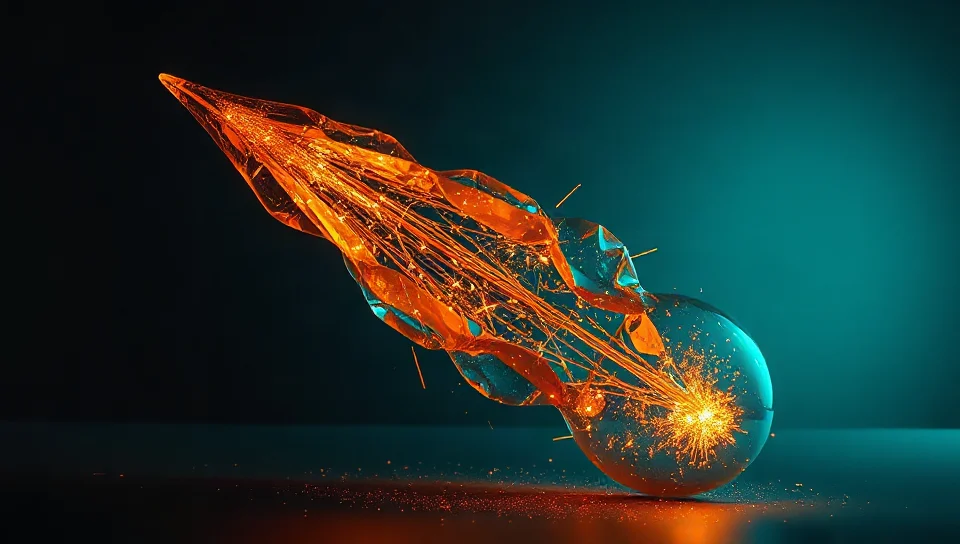
Write the shot and pick a camera move. Backgrounds, B-roll and atmospherics arrive as footage ready to key, track or grade.
- Drift One
- Drift Swift
- Drift Sound
16:9 · ×4
Step 1 of 4 · Timeline
Select a layer
macOS .dmg not published yet — steps show how it will install
One signed package for After Effects. It will appear here, under this button, the day it's published.
Open the .dmg and follow the prompts. It finds every After Effects version you have installed.
Soulmodality PLUGIN
Sign in with your Soulmodality account. Jobs run on your credits and land in your library.
Generate plates, animate stills and pull clean cut-outs straight into a composition. Every result is imported as footage and dropped on the timeline at the playhead.
Write the shot and pick a camera move. Backgrounds, B-roll and atmospherics arrive as footage ready to key, track or grade.
Turn a layer’s frame into motion, with an optional last frame to land on — handy for logo reveals and title cards.
One comp, every delivery ratio. Reframe fills the new space and keeps the subject centered, so verticals don’t need a manual re-crop.
Frame-by-frame background removal exported with transparency — composite the subject over anything without a green screen.
Lift soft or compressed footage to 1080p, 2K or 4K before it goes into the comp, with motion left untouched.
Describe a whoosh, an impact or a room tone, or score effects to a silent clip, and drop the audio under the layer.
The engines the After Effects panel calls — the same ones in the studio, at the same credit cost.
Describe an outcome; the agent plans the image, video and sound steps, shows the cost, and runs them when you approve.
Open Soul driftBalanced motion, up to 15 seconds
Picture and native soundtrack in one pass
Change a clip’s aspect ratio and fill the new space
The same engines inside Claude, Cursor and VS Code — works today.
The native panel is in development and no installer has been published yet. The same tools — clip generation, reframe, cut-out, upscale and sound effects — already run in the browser studio.
The panel imports each finished file into the project and places it as a new layer at the playhead, above the layer you started from.
Yes. Clip Cutout exports with an alpha channel, so the layer composites directly without an extra key.
After Effects 2025 and later on macOS 13+ and Windows 10/11.
No. Jobs run on Soulmodality’s side; the panel shows progress and imports the result when it’s ready.