

Restyle the footage
Give a clip a new look while the motion stays exactly in time — a fast way to test a direction before you build the grade.
- Recut
BeforeAfter
Step 1 of 4 · Media pool
Pick a clip
Restyle a look, upscale archive footage and generate pickups from the Edit or Color page. A Python script works today for anyone on Resolve’s scripting API.
Give a clip a new look while the motion stays exactly in time — a fast way to test a direction before you build the grade.
Take SD and compressed sources to 1080p, 2K or 4K for the timeline, without changing the cut.
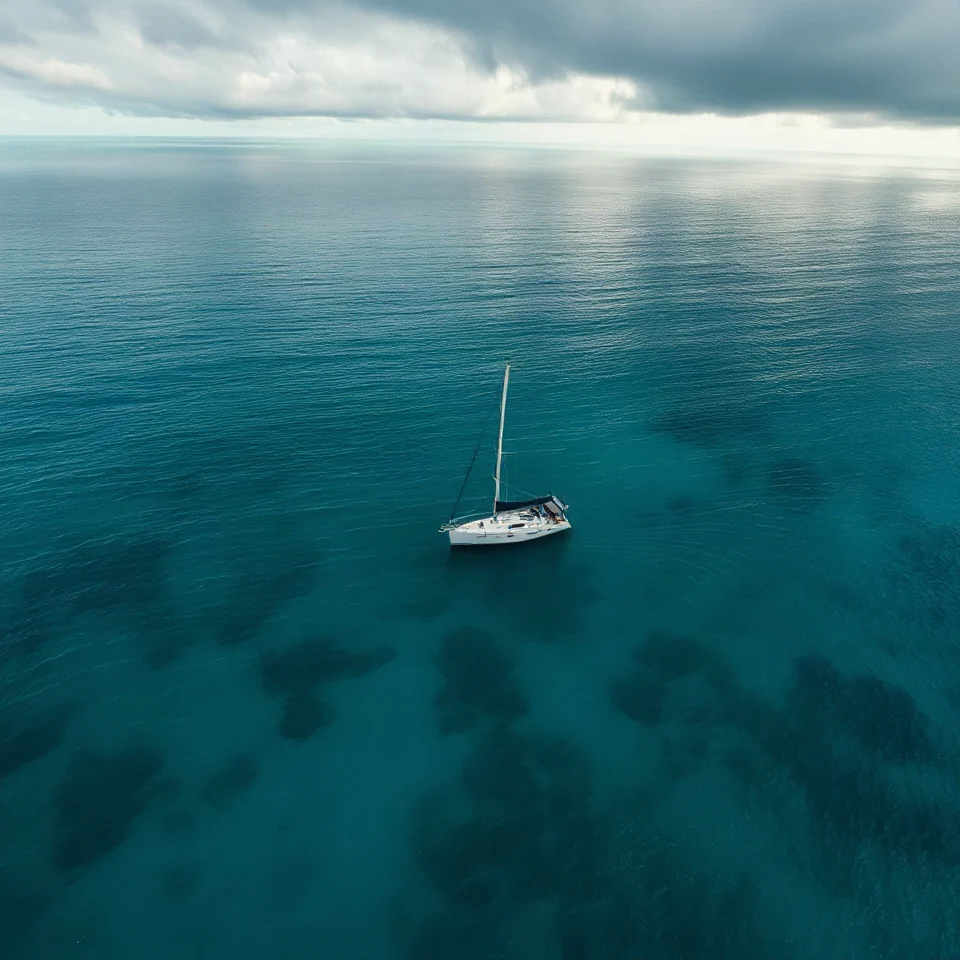
Missing an establishing shot or an insert? Write it, match the ratio, and cut it in.
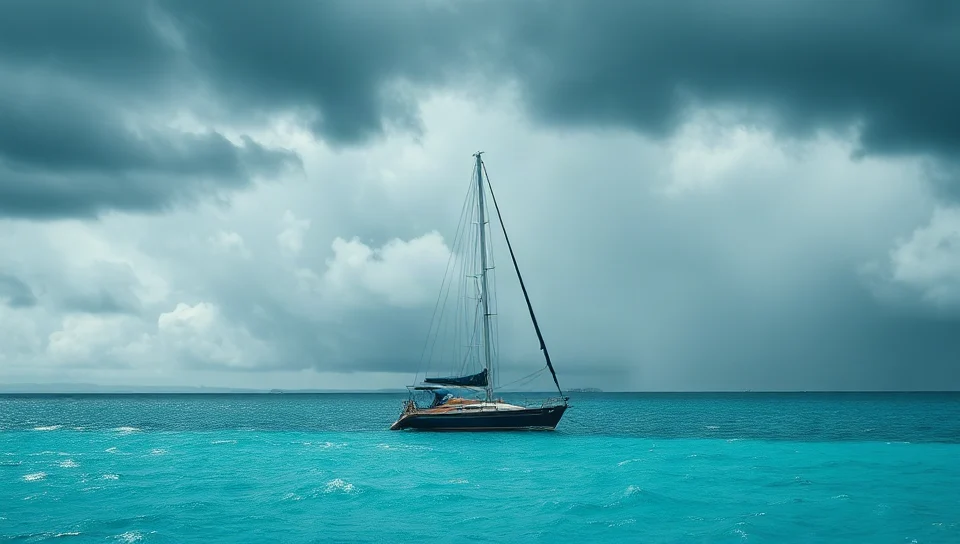
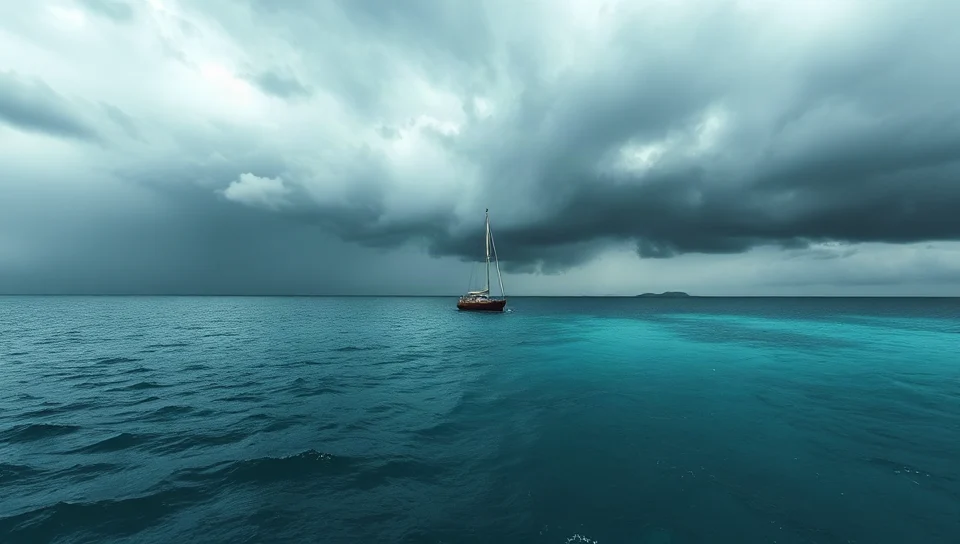
Change the weather, the wardrobe or the time of day across a clip with one instruction.
Make it golden hour, warm the shadows
Make vertical and square versions from the master with the subject tracked.
Add seconds to the tail of a clip so a cut lands on the beat.
While the panel is in development, this script does the core job with DaVinci Resolve’s built-in Python and the Soulmodality API. Run it from Workspace › Console (Py3), or save it in Resolve’s Scripts/Utility folder and run it from Workspace › Scripts.
import json, os, time, urllib.request

API = "https://your-soulmodality-host/api/v1"
KEY = os.environ.get("SOULMODALITY_API_KEY", "fc_your_key")  # Studio settings › API keys
PROMPT = "Aerial establishing shot of a coastal town at blue hour"


def call(method, path, body=None):
    req = urllib.request.Request(API + path, method=method, data=None if body is None else json.dumps(body).encode(),
                                 headers={"Authorization": "Bearer " + KEY, "Content-Type": "application/json", "Idempotency-Key": str(time.time_ns())})
    with urllib.request.urlopen(req, timeout=60) as r:
        return json.loads(r.read() or b"{}")


def run(job):
    job = call("POST", "/jobs", job)["job"]
    while job["status"] not in ("completed", "failed", "cancelled"):
        time.sleep(3)
        job = call("GET", "/jobs/" + job["id"])["job"]
    if job["status"] != "completed":
        raise RuntimeError("Job " + job["status"] + ": " + str(job.get("error")))
    return job["assetIds"]


def download(asset_id, folder, ext):
    os.makedirs(folder, exist_ok=True)
    path = os.path.join(folder, "soulmodality-" + asset_id + ext)
    req = urllib.request.Request(API + "/assets/" + asset_id + "/content", headers={"Authorization": "Bearer " + KEY})
    with urllib.request.urlopen(req, timeout=120) as r, open(path, "wb") as f:
        f.write(r.read())
    return path


resolve = app.GetResolve()  # noqa: F821 — provided by Resolve's console
pool = resolve.GetProjectManager().GetCurrentProject().GetMediaPool()

ids = run({"capability": "video", "modelId": "drift-one", "prompt": PROMPT,
           "parameters": {"aspectRatio": "16:9", "duration": 5}, "referenceAssetIds": []})
path = download(ids[0], os.path.expanduser("~/Movies/Soulmodality"), ".mp4")
items = pool.ImportMedia([path])
print("Imported", [i.GetName() for i in items or []])
macOS .pkg not published yet — steps show how it will install
A signed package that installs the Workflow Integration plugin for Resolve.
It copies the plugin into Resolve’s Workflow Integration Plugins folder.
Soulmodality PLUGIN
Workspace › Workflow Integrations › Soulmodality, then sign in.
The engines the DaVinci Resolve panel calls — the same ones in the studio, at the same credit cost.
Describe an outcome; the agent plans the image, video and sound steps, shows the cost, and runs them when you approve.
Open Soul driftBalanced motion, up to 15 seconds
Picture and native soundtrack in one pass
Change a clip’s aspect ratio and fill the new space
The same engines inside Claude, Cursor and VS Code — works today.
The native panel is in development and no installer has been published yet. The script below works now: it uses Resolve’s own Python API and Soulmodality’s REST API to generate a clip and import it into the media pool.
The planned Workflow Integration panel needs Resolve Studio. The script uses the scripting console, which is available in both editions.
No. Restyled clips keep the source duration and motion, so they drop back into the same place on the timeline.
The script downloads results to a folder you choose (your Movies folder by default) and imports them into the current media pool folder.
Resolve 19 and later on macOS, Windows and Linux.