New image from a prompt
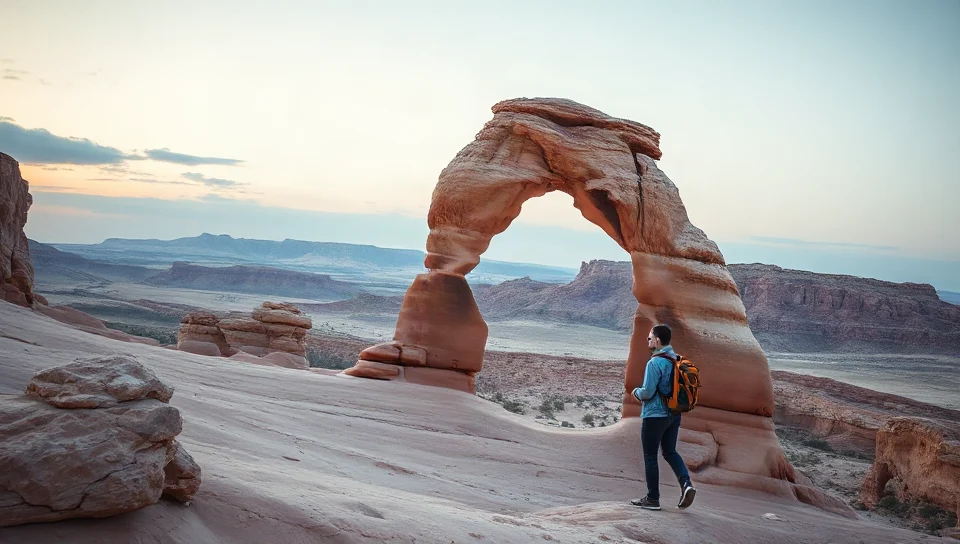
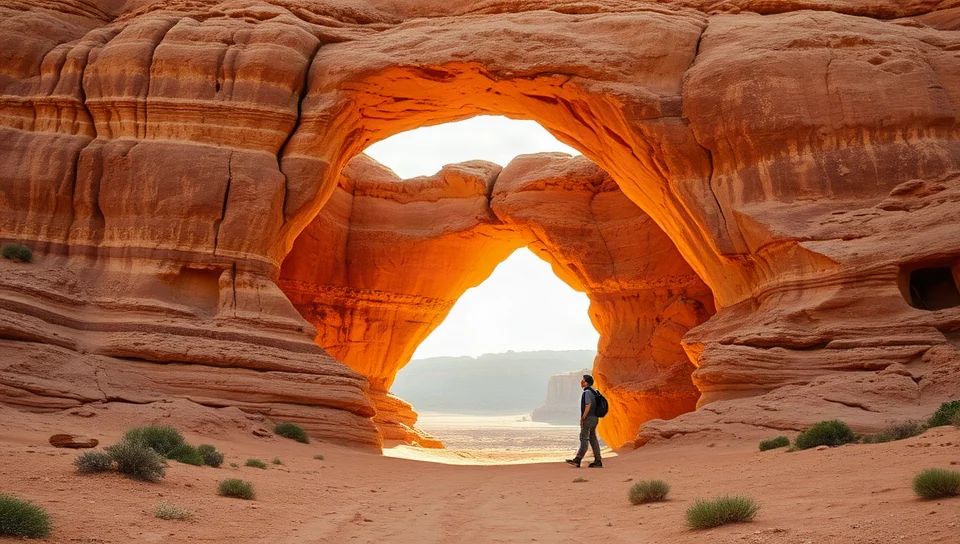
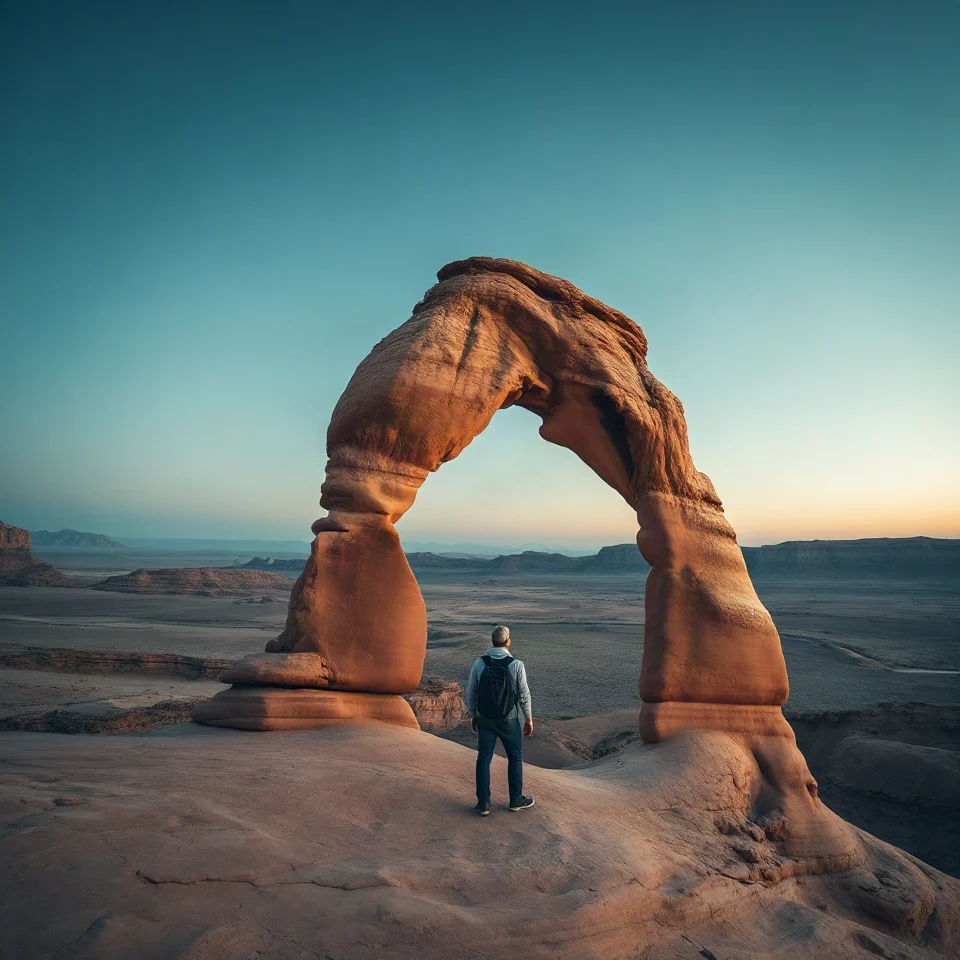
Start a document from a written frame, or drop a generated element onto the current canvas at its exact size and ratio.
- Canvas Swift
- Canvas Studio
- Canvas Ultra
16:9 · ×4
Step 1 of 4 · Selection
Select an area
macOS .ccx not published yet — steps show how it will install
One signed package for Photoshop. It will appear here, under this button, the day it's published.
Creative Cloud opens and installs the panel for you — no extra helper app.
Soulmodality PLUGIN
Sign in with your Soulmodality account. Jobs run on your credits and land in your library.
Generate, repaint, extend and cut out without leaving your layers. Results come back as new layers, so nothing you painted is overwritten.
Start a document from a written frame, or drop a generated element onto the current canvas at its exact size and ratio.
Brush over a region and describe what belongs there. The fill respects the light and perspective around your selection.
A brass desk lamp, warm light spilling left
Drag the crop past the edge. The new space is painted to continue the scene — ideal for turning a portrait shot into a banner.
A clean subject mask on a transparent layer, with hair and soft edges kept. No prompt needed.
“Make it dusk.” “Swap the jacket for denim.” Whole-image edits by instruction, returned as a new layer you can blend.
Make it golden hour, warm the shadows
Enlarge two or four times with faithful detail, or let Detail Lift Pro invent texture where the source has none.
Everything else you can do, one click from the panel.
The engines the Photoshop panel calls — the same ones in the studio, at the same credit cost.
Describe an outcome; the agent plans the image, video and sound steps, shows the cost, and runs them when you approve.
Open Soul driftLarge, print-ready frames
Adds believable texture while enlarging
Drafts in a couple of seconds
The same engines inside Claude, Cursor and VS Code — works today.
The native panel is in development and no installer has been published yet. Every tool on this page already works in the Soulmodality image studio, and the API is open if you want to script it now.
No. Fills, expansions, cut-outs and edits are placed as new layers (masked where it makes sense), so your original stays untouched.
Photoshop 2025 and later on macOS 13+ and Windows 10/11, installed through Creative Cloud as a .ccx package.
Yes — the panel calls the same jobs as the studio, at the same credit cost, and every result is saved to your library.
Results follow the same terms as anything you make in the studio. Character and voice tools require consent from the person shown.